MaXXlink to Epicor Connector
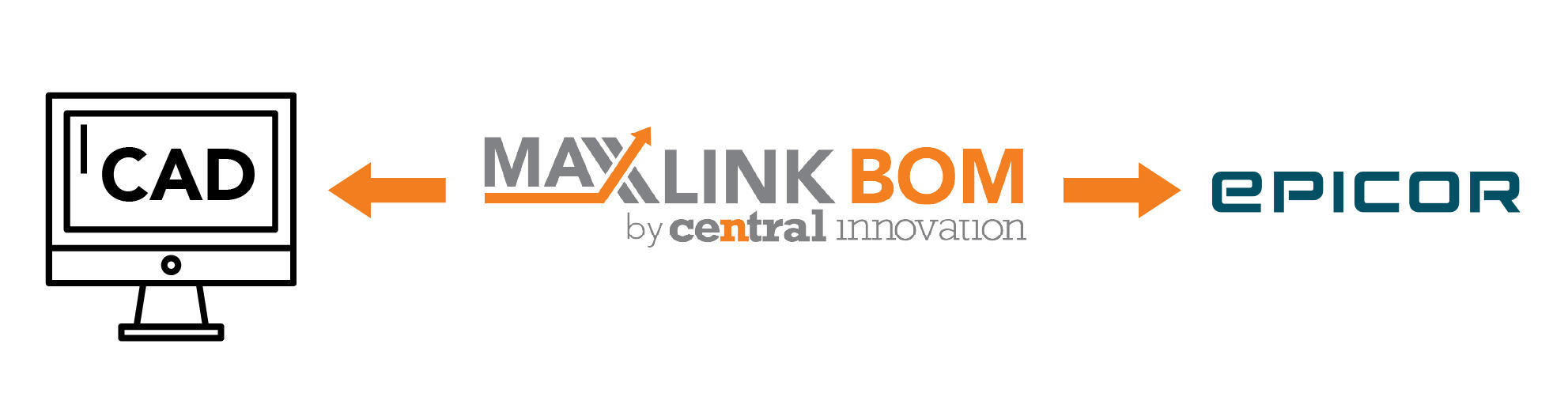
MaXXlink for Epicor is a bi-directional connector that keeps your CAD-driven BOMs and your Epicor ERP in lockstep. It automatically syncs parts, materials, BOM structures, revisions, and released changes into Epicor—so you eliminate manual BOM re-entry, reduce data errors and rework, and ensure Epicor always reflects the latest released BOM.
General Product Details
- Bi-directional integration between MaXXlink and Epicor ERP
- Syncs BOMs, parts, materials, and revisions
- Eliminates manual BOM re-entry into Epicor
- Supports engineering change management workflows
- Ensures ERP always reflects the latest released BOM
- Reduces data errors and rework
- Designed for Epicor implementations in ANZ manufacturing environments
- Configurable mapping to match Epicor setups
MaXXlink – Epicor Connector FAQs
- What does the Epicor connector do?
It synchronises BOMs, parts, and revisions between MaXXlink and Epicor ERP.
- Is the integration bi-directional?
Yes, data can flow between MaXXlink and Epicor based on configured rules.
- Does it eliminate manual BOM entry in Epicor?
Yes. BOMs created in MaXXlink can be pushed directly into Epicor.
- Which Epicor versions are supported?
Support depends on Epicor version and deployment model and is confirmed during implementation.
- Can engineering revisions be controlled before syncing?
Yes. Only approved BOMs are released to Epicor.
- Does Epicor remain the system of record?
Yes. Epicor remains the operational ERP system for manufacturing and costing.
- Can it support multi-level BOMs?
Yes. Complex and multi-level BOM structures are supported.
- Is item mapping configurable?
Yes. Item numbers, units, and attributes can be mapped to match Epicor configurations.
- How are errors handled during sync?
Validation checks and logs highlight issues before data is committed.
- Does this support engineering change workflows?
Yes. Changes are managed in MaXXlink and released downstream.
- Is custom development required?
No. The connector is out-of-the-box with configurable options.
- Can multiple Epicor environments be supported?
Yes, subject to licensing and setup.
- Does it reduce ERP implementation time?
Yes. Engineering data is structured before entering Epicor.
- Is training required?
Minimal training is required due to MaXXlink’s intuitive interface.