What it does
Everything you need to plan, buy, build and deliver
MaXXflow connects demand, BOMs, purchasing, inventory, production and reporting, so your whole team works from one shared plan.
From demand to delivery
Your plan lives in too many places. MaXXflow puts it in one.
Sales knows what the customer wants. Engineering knows what's been designed. Purchasing knows what's on order. Stores knows what's on the shelf. Production knows what can actually be built. When none of that is connected, nobody can see the whole picture until something goes wrong.
MaXXflow brings those views together so your team can answer the questions that decide whether work can go ahead: what do we need, when do we need it, and what is at risk?
How it works
One flow, from a customer order to a finished job
This is the path a MaXXflow demonstration follows, because it's the path your work follows.
01
Demand
A customer order, forecast or production plan sets out what has to be made.
Demand is the trigger for planning.
02
Requirements
The BOM defines the parts, materials and subassemblies each order needs.
The BOM is the foundation of the plan.
03
Stock check
Requirements are compared with stock that's genuinely available, not just on hand.
Allocated stock isn't free stock.
04
Purchasing
Shortages become clear purchasing requirements, with lead times and the jobs they support.
Order before it's urgent.
05
Readiness
Work orders show whether each job has what it needs to proceed.
A scheduled job isn't always a ready job.
06
Decide
Dashboards and alerts show what's due, late, at risk or needs a decision now.
Managers see status without chasing it.
What it does
Plan, buy, build and decide in one connected platform
Plan
Manage demand, BOMs, schedules, work centers and capacity with a clearer view of what's feasible.
- material requirements from demand, BOMs, stock and lead times
- BOMs created, imported or brought in through MaXXlink
- quotes and confirmed sales orders that trigger manufacturing orders
- scheduling across operations and work centers


Buy
Stay on top of purchasing, suppliers, lead times, inbound goods and stock position before shortages turn into delays.
- what to order and when, from real requirements
- supplier records and purchase-order history
- receiving against purchase orders, including partial deliveries
- stock by warehouse, section and shelf, available versus allocated
Build
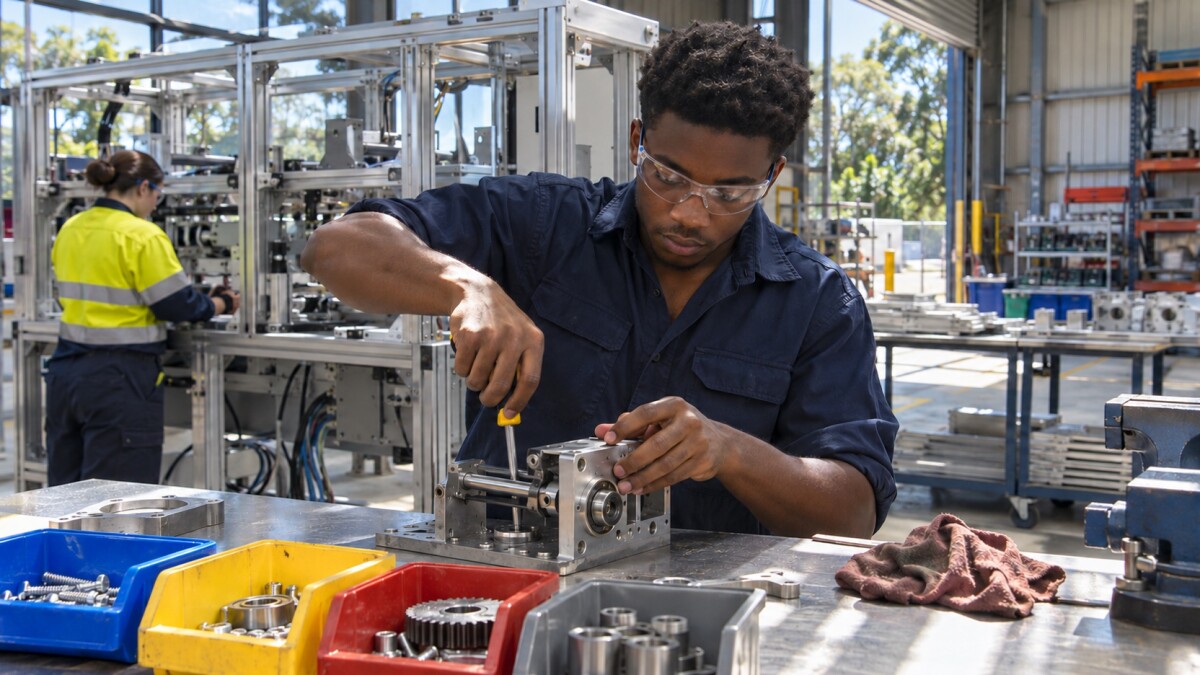
Run work orders, inventory movements, shop-floor activity and traceability in one connected workflow.
- manufacturing orders created manually or automatically
- component readiness checked, work held until parts arrive
- work tracked through work centers to finished goods
- barcode and QR scanning for stock and work-order steps

Decide
Use dashboards, reporting, alerts and AI-assisted summaries to see risk early, understand what changed and act faster.
- sales, inventory and manufacturing dashboards
- exceptions surfaced instead of searched for
- plain-language questions answered from your data
- a view of what changed, and what to do next
Also in What it does
What the AI does, and what stays with your people.
From the engineering BOM to the shop floor.
Cloud hosting, security, access and integrations.
Questions about what's included
How is MaXXflow different from an ERP system?
An ERP is a broad enterprise platform that may cover finance, sales, HR, service, purchasing, inventory and production. MaXXflow is more focused: it concentrates on the manufacturing and supply-chain planning layer. For some businesses it's a more manageable starting point than a full ERP; for others it works alongside existing systems. See MRP vs ERP.
Do we have to use every capability from day one?
No. The capabilities in your implementation are configured around the workflows and roles in scope, and most businesses start with one workflow and expand once it's working. See How implementation works.
Can MaXXflow work with our existing systems?
It can be scoped to work alongside them. During discovery you decide which system stays the source of each kind of data, and which integrations are essential for the first phase. See Integrations.