Connect MaXXlink to Microsoft Dynamics Business Central
Connect MaXXlink to Microsoft Dynamics Business Central to create a cleaner, more controlled path for BOM data from CAD into ERP.
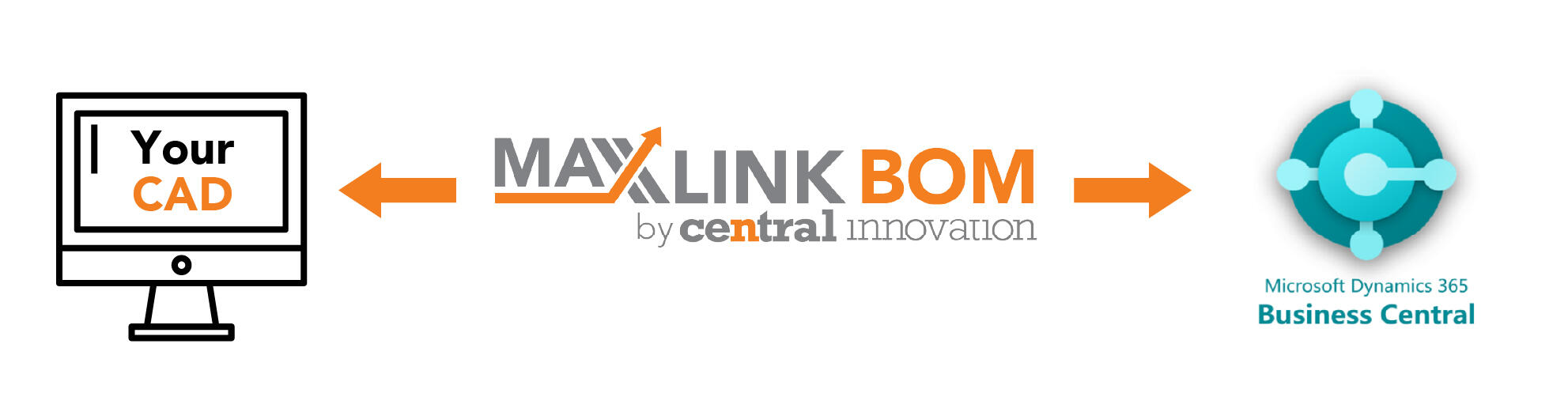
If your team is still exporting BOMs from CAD, cleaning them in spreadsheets, checking data manually or rekeying information before it reaches ERP, the process is already costing time and creating risk. Errors introduced upstream do not stay in engineering. They flow into purchasing, inventory, planning and production.
MaXXlink helps you create a more governed path from CAD into Microsoft Dynamics Business Central. It standardises, validates and prepares engineering data before it moves downstream, helping your team reduce rework, improve control and build a more reliable handoff from design into operations.
Why connect MaXXlink to Microsoft Dynamics Business Central?
Business Central is only as reliable as the data entering it. When BOMs and product data are passed in through spreadsheet workarounds, manual exports or disconnected handoffs, it becomes harder to trust the output and harder to run a clean process across the business.
MaXXlink helps reduce that risk by giving you a more controlled workflow between engineering and ERP. Instead of relying on manual effort to prepare CAD data for Business Central, your team can work from a clearer, more repeatable process that improves data quality before it enters the system.
Use MaXXlink to connect your CAD to Business Central
MaXXlink can sit between your CAD environment and Microsoft Dynamics Business Central, helping you turn engineering BOMs into cleaner, more ERP-ready data. That gives manufacturers a more practical way to connect design and operations without relying on ad hoc fixes or repeated spreadsheet handling.
For teams using CAD as the starting point for product data, this matters. Engineering may create the BOM, but procurement, inventory, planning and production all depend on that data being accurate, consistent and usable inside Business Central. MaXXlink helps close that gap.
A better handoff from engineering into ERP
Moving data from CAD into ERP is where many businesses lose time and introduce avoidable errors. Part descriptions may be inconsistent. Quantities may be wrong. Metadata may be missing. Revisions may be unclear. Each issue slows the process down and creates more downstream clean-up.
MaXXlink helps standardise and structure BOM data before it reaches Business Central, so the handoff from engineering is more controlled and the data entering ERP is better prepared for operational use.
What this helps you achieve
- Reduce manual BOM handling between CAD and Business Central
- Improve the quality and consistency of engineering data before it reaches ERP
- Cut rework caused by incorrect, incomplete or inconsistent BOM data
- Support a smoother handoff from design into purchasing, inventory and production
- Create a more reliable process for managing BOM-driven workflows across the business
Built for real engineering and operational workflows
Every business handles product data differently. Some need a straightforward path from CAD into Microsoft Dynamics Business Central. Others need more governance, more data shaping, or a workflow that reflects how engineering and operations actually work on the ground.
MaXXlink is designed for that reality. And if a standard connection path does not fully fit your environment, Central Innovation also has in-house capability to help develop the integration approach needed for your workflow.
FAQ's
- What is the MaXXlink connection to Microsoft Dynamics Business Central?
The MaXXlink connection to Microsoft Dynamics Business Central helps manufacturers move BOM and engineering data into ERP with more structure and control. It is designed to reduce manual handling and improve data quality before information reaches Business Central.
- Can MaXXlink connect my CAD system to Microsoft Dynamics Business Central?
Yes. MaXXlink can be used as the bridge between your CAD environment and Business Central, helping you connect engineering BOM data to ERP in a more controlled and repeatable way.
- Do I need Microsoft Dynamics Business Central to use MaXXlink?
No. MaXXlink can still provide value as a governed BOM and data management solution for engineering workflows. But for businesses using Business Central, it can also help create a stronger connection between CAD, BOM data and ERP.
- Why not just export BOMs manually into Business Central?
Manual exports create more work and more risk. They rely on people to clean, check, format and re-enter data correctly every time. That adds delay and increases the chance of errors, rework and downstream disruption.
- What problems does this help solve?
It helps address common problems such as spreadsheet-based BOM handling, inconsistent item data, revision confusion, duplicate records, manual rekeying and poor handoff between engineering and operations.
- Is this only for large manufacturers?
No. It is relevant for any business that needs a better way to manage engineering BOM data and connect it to operational systems like Microsoft Dynamics Business Central.
- Can Central Innovation help if our workflow is more complex?
Yes. If your business needs a more tailored integration approach, Central Innovation has in-house capability to support more specific workflow and connector requirements.