AEC Tip of the Day
Ci Select object library – Framing
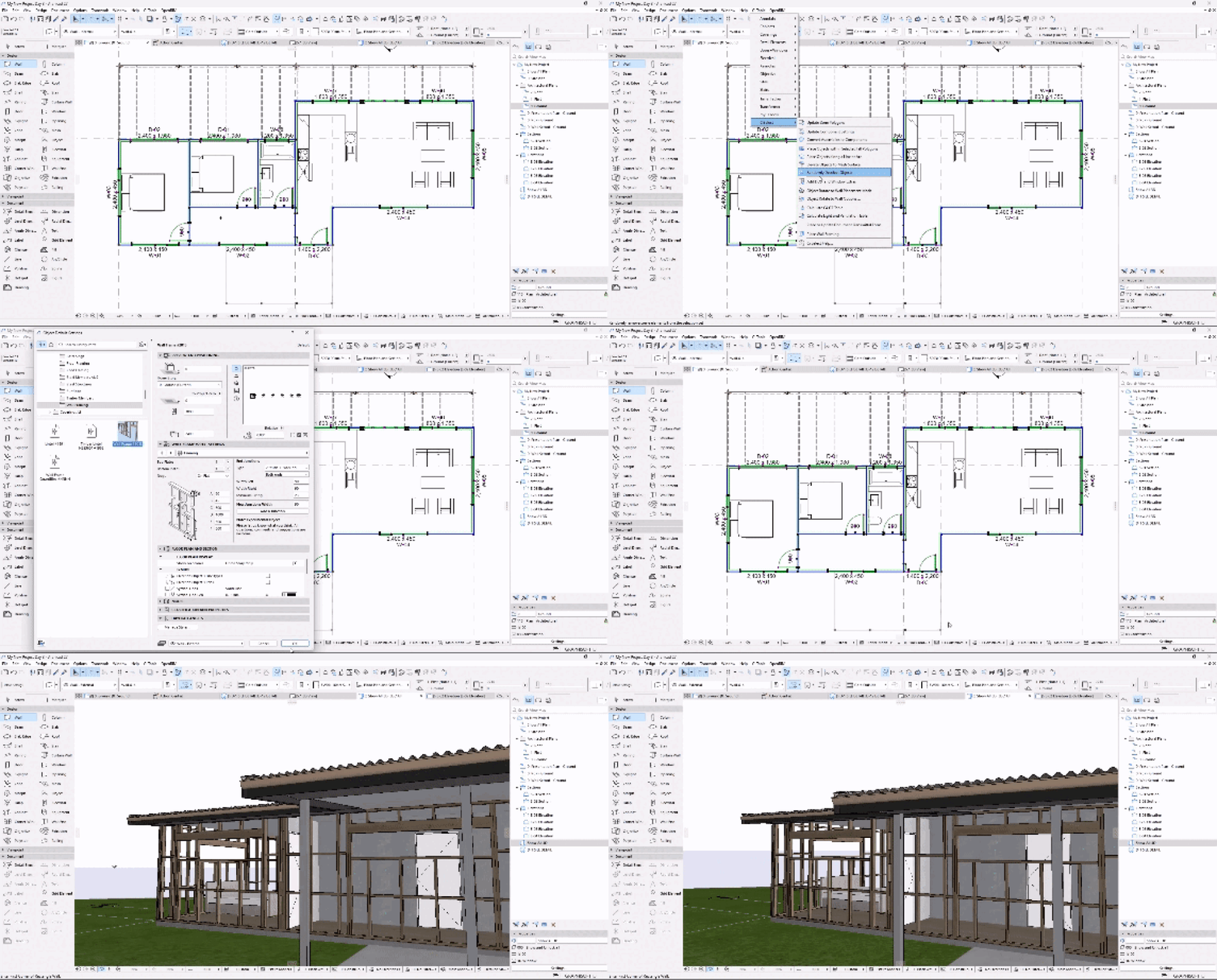
Streamline your wall framing workflow with this simple CI Select tool that automates structural element placement in seconds.
Simply select the desired walls and go to CI Tools > CI Select > Place Wall Framing
The Wall Framing object can be found under Ci Select Library 27.lcf > Structural > Wall framing.
Download the CI Select Library and the Additional Surface Catalog from your MyCi profile in the My Select Benefits ➔ ARCHICAD Resources section.
Note: The Select Library is available for Select Customers in Australia and New Zealand & Premium Subscription holders internationally.