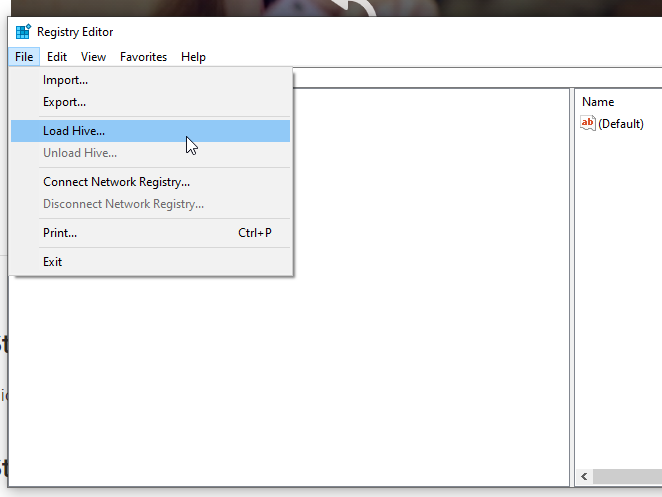
Edit registry on a secondary hard drive
When your computer crashes but the hard drive survives, accessing SolidWorks registry data requires a different approach.
SolidWorks settings are stored in registry files. You can find a lot information in the registry files about your current SolidWorks installation.
But what if the computer crashed while the hard drive survived and you need to recover your SolidWorks serial numbers?
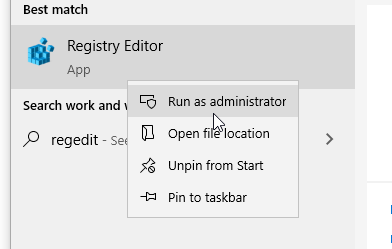
- Click the “Start” button and open the start menu and type “regedit” into the search bar then right-click the “Registry Editor” and run the editor as administrator: