How to use quick dimensions while sketching
Streamline your sketching workflow by enabling quick dimension input that saves clicks and keeps your design process moving smoothly.
When using sketch mode, it can be useful to quickly add a dimension.
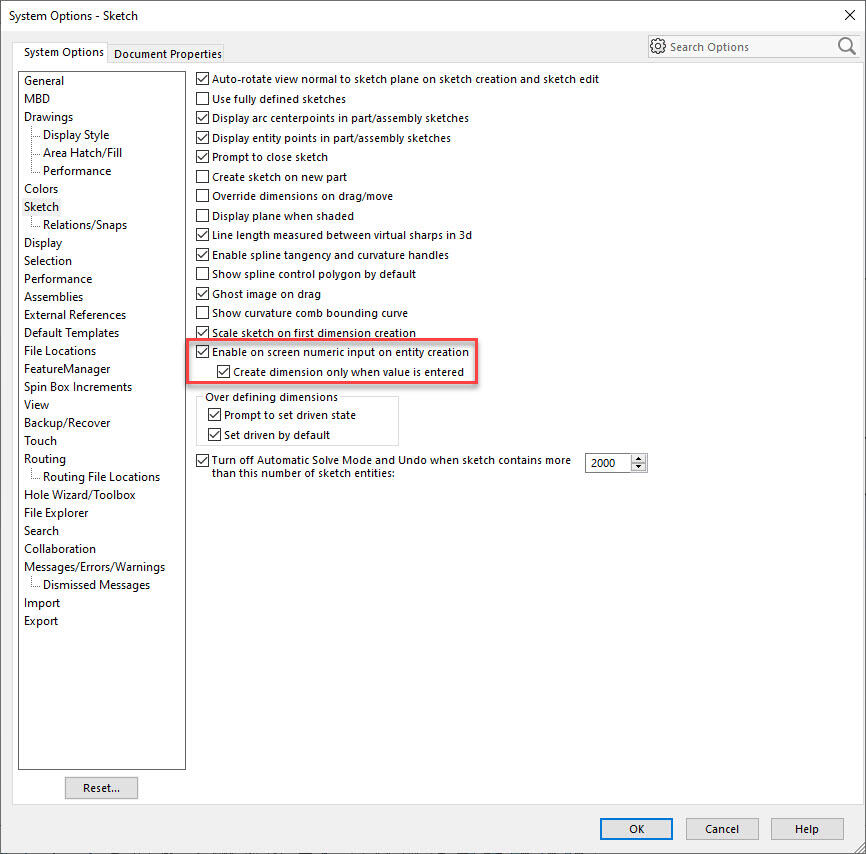
Go to System options > Sketch
Make sure “Enable onscreen numeric input on entry creation” and “Create dimension only when value is entered” are checked.