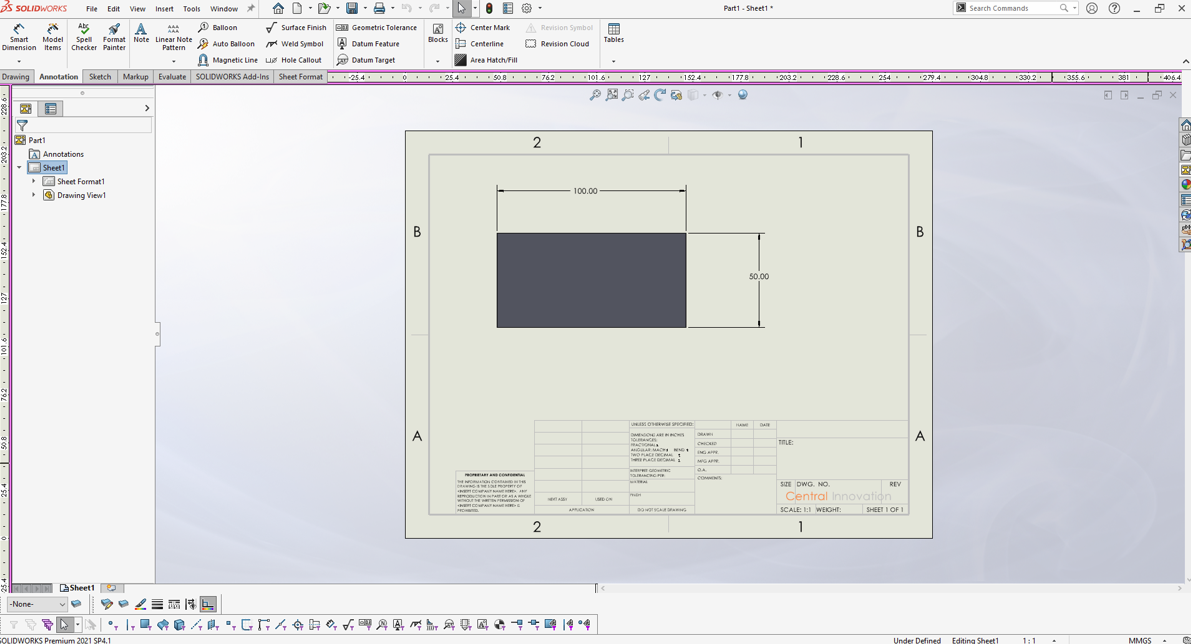
Importing dimensions in drawings
Streamline your technical drawings by automatically importing dimensions with these simple configuration steps.
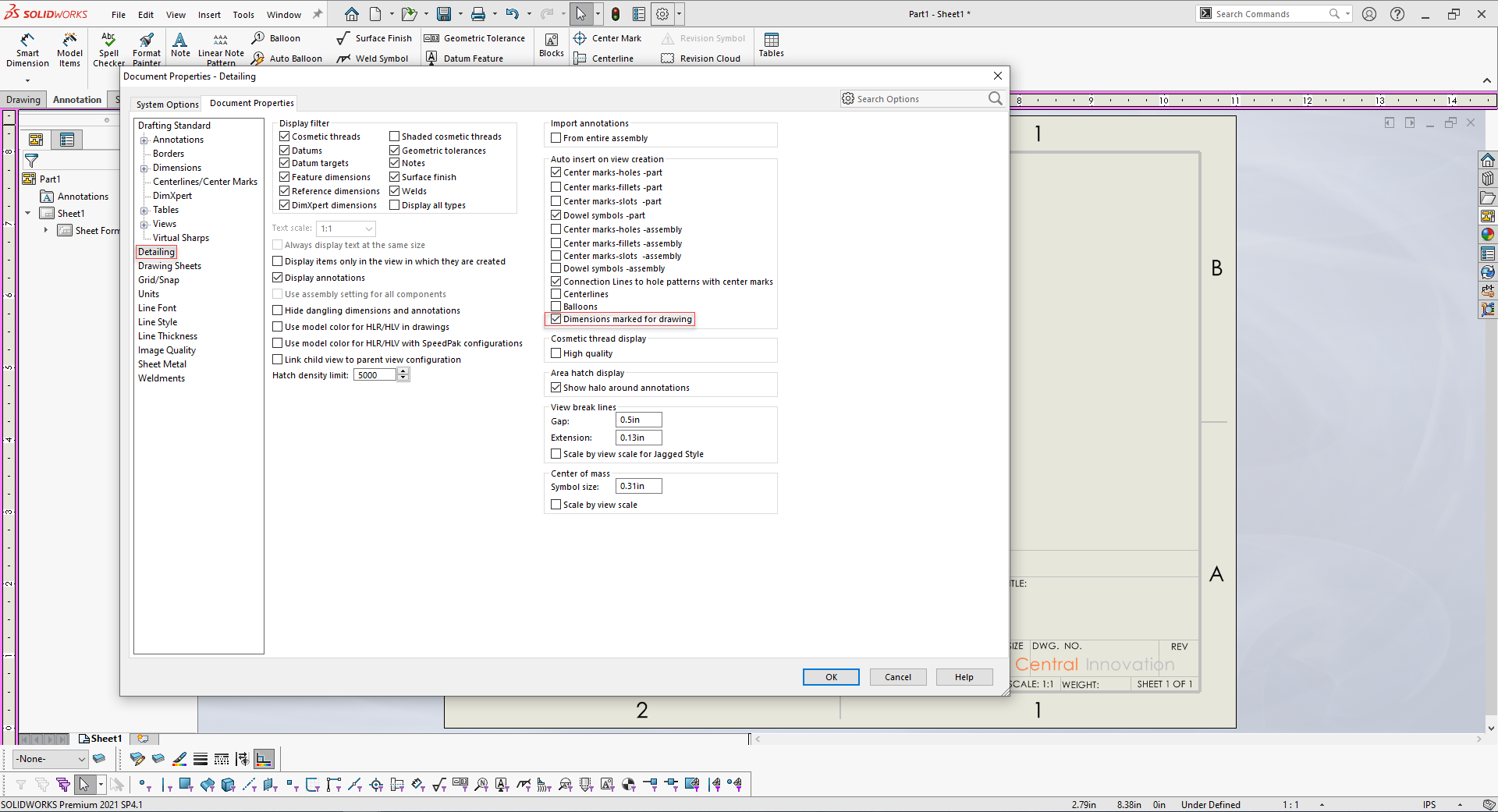
To do so, open your drawing and navigate to the
”Tools” ➔ ”Options” ➔ ”Document Properties” ➔ ”Detailing”
Make sure that the checkbox is selected.
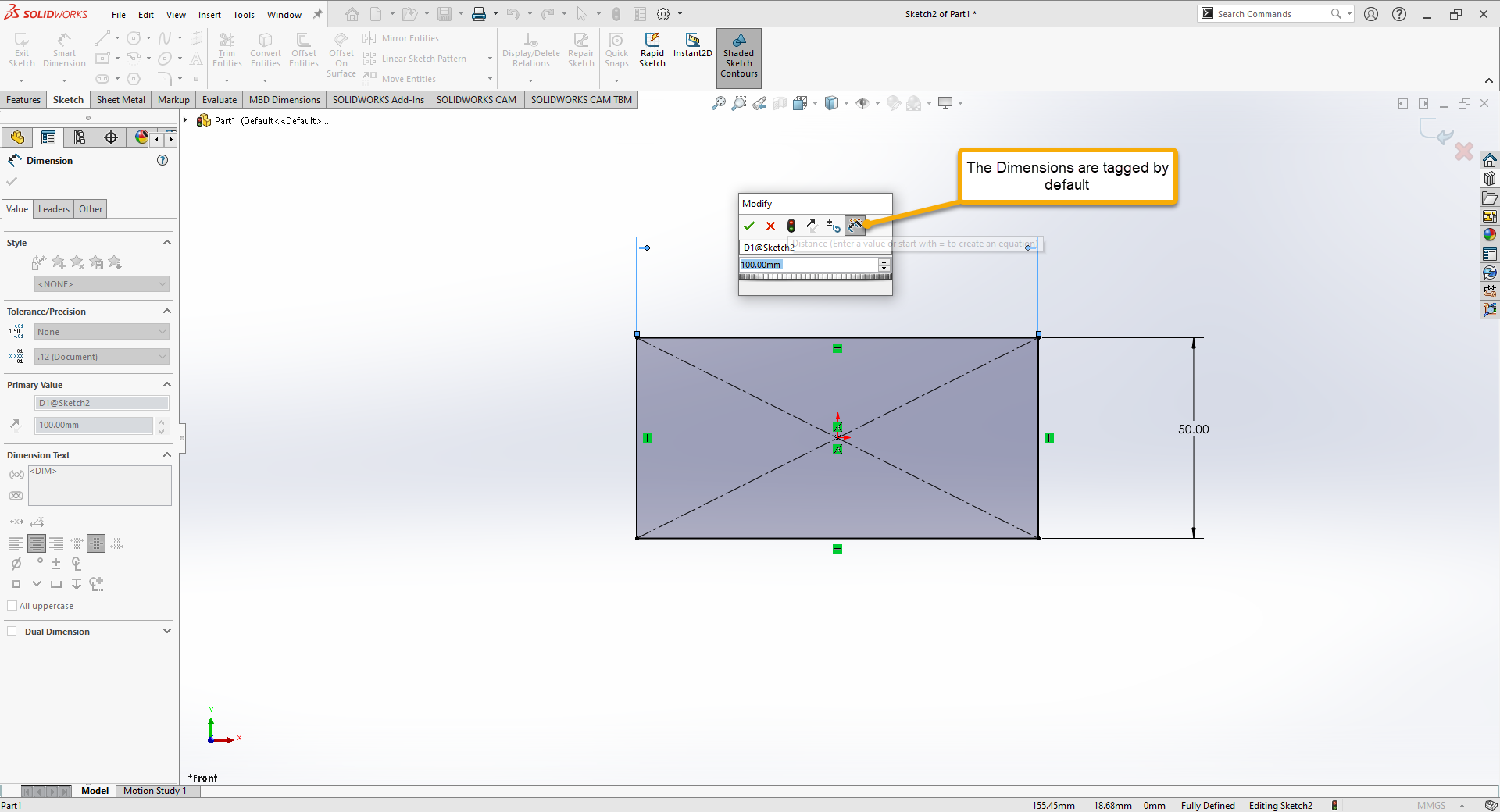
To import a dimension on view creation you need to make sure that it is “tagged”.
In the drawing go to Tools > Options > Document Properties > Detailing and tick off “Dimension marked for drawing”.
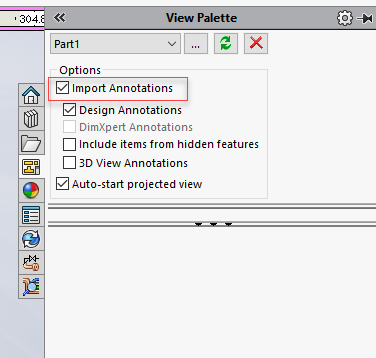
When creating view make sure to check “Import Annotations”
After that create the view and dimensions are now imported.