PDM system tray shortcuts
Three essential PDM system tray functions now have alternative access points when the tray icon disappears.
PDM system tray shortcut is widely used for :
- Logout/Login
- Task host configuration
- PDM Inbox (Notifications)
All these shortcuts are available in PDM local view (Windows Explorer).
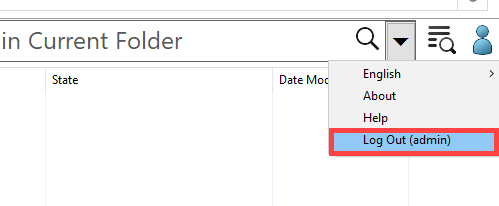
Logout : Starting in SolidWorks PDM 2020, you can now log out of the Vault View from within Windows. This was only available in system tray before.
Task host configuration : From SolidWorks PDM 2021 , this is available under Tools > Task host configuration.
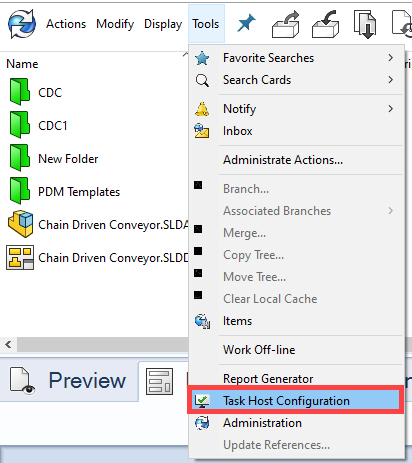
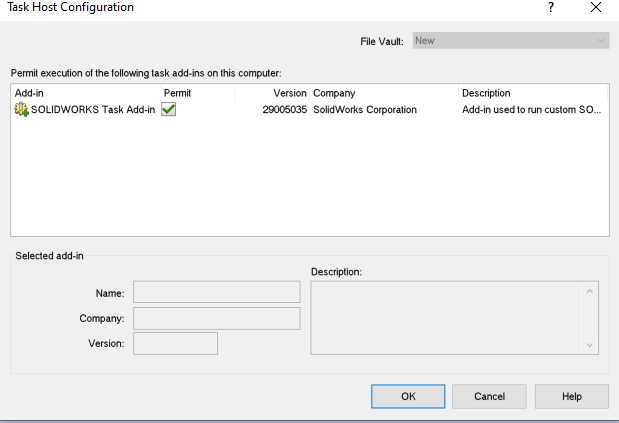
This is useful to permit add-in execution
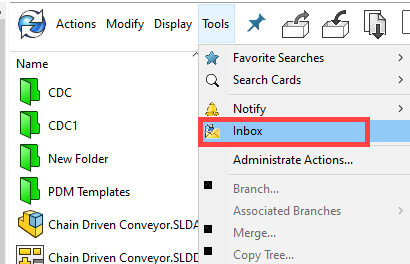
PDM Inbox (Notifications) : This is also available under Tools > Inbox
The above all options are useful when PDM icon is not visible under system tray. There are few reported issues under SolidWorks Knowledgebase S-075703, SPR 1143201 etc
If you using PDM 2019 or before versions ,there are SQL queries to enable Task host configuration. Contact your local reseller to assist with this.