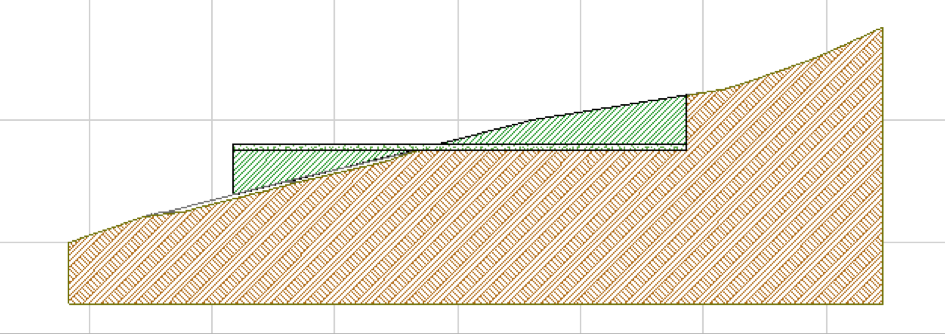
AEC Tip of the Day
Site mesh information
Discover how ArchiCAD's Element Information palette instantly reveals crucial site mesh data for efficient project analysis.
Site Mesh Information
A quick method to get initial Site mesh information (such as areas, volumes, properties etc.) in ArchiCAD is by using the Element Information palette.
To open this go to Window>Palettes>Element Information:
Choose either All Selected or Last Selection to define which selected elements should be considered.
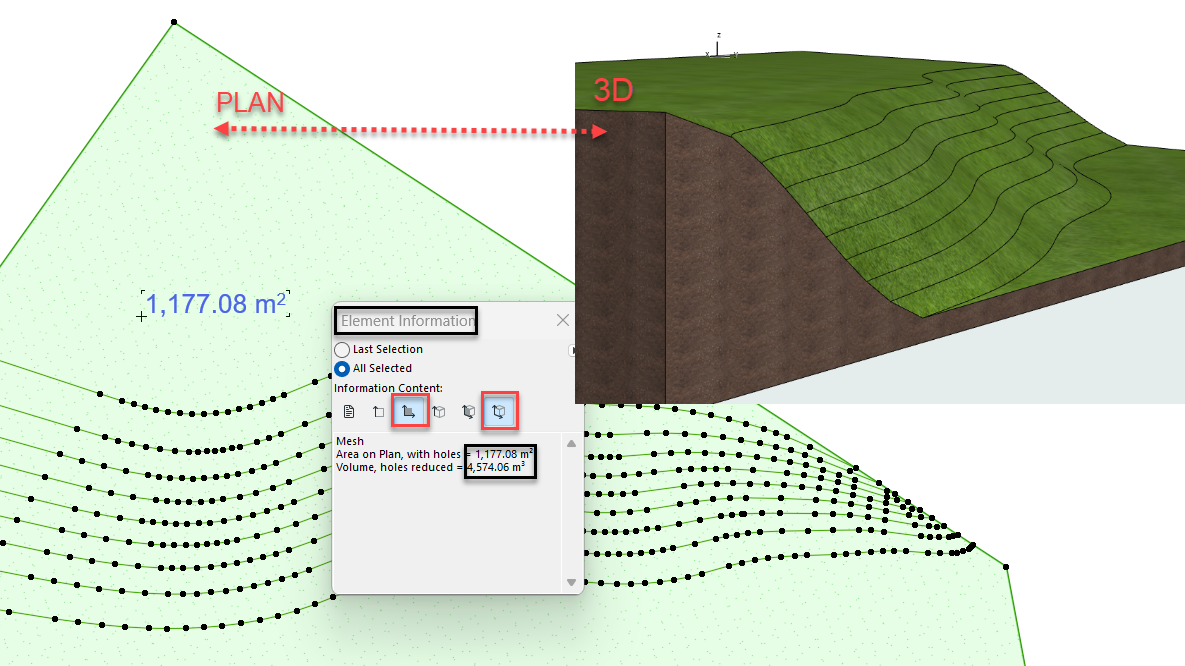
This is also a handy way to extract some initial information in Cut and Fill earthwork calculations (for example Existing Site Mesh and Proposed Site mesh situations) in Site Planning.