Upload/download files using PDM web2
PDM Web2's new batch upload feature eliminates the tedious task of transferring large project files one by one.
Previously the upload/download file had to be completed separately for each file. Imagine we have to upload a project containing 100 plus files, this was a time consuming task.
- Upload a folder and its contents including files and folders to a specific location.
- Download the files and folders with their references.
Login to Web2 > navigate to a folder in Vault > Check In File Structure
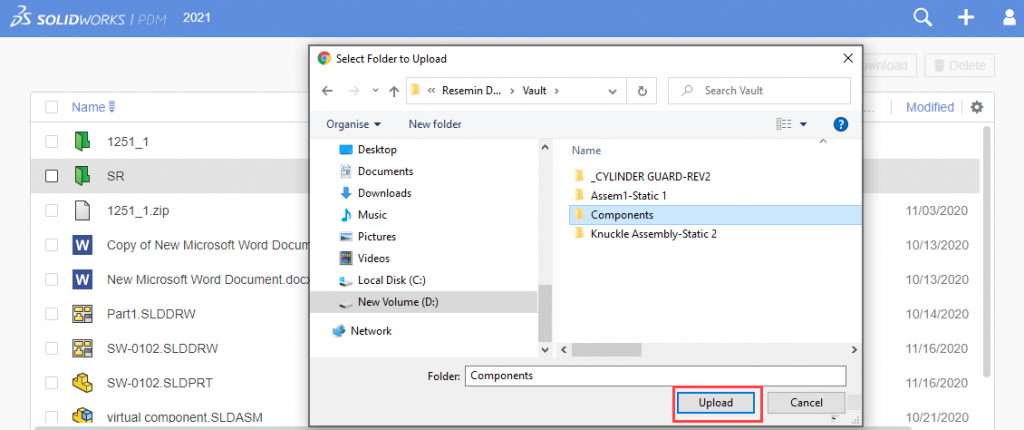
Check in File Structure > Select the local folder containing the files to upload
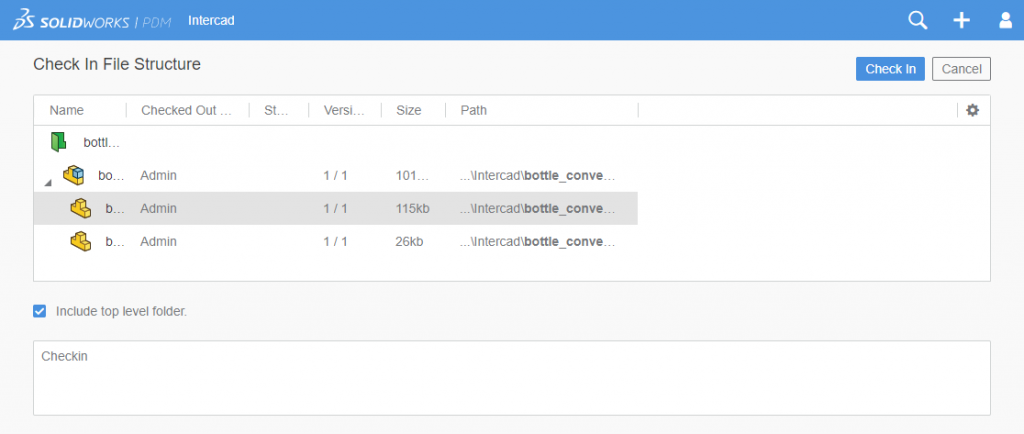
Review the check-in dialog, the complete file set is uploaded and checked in
SolidWorks PDM Web2 also allows to Download the files and folders complete with references
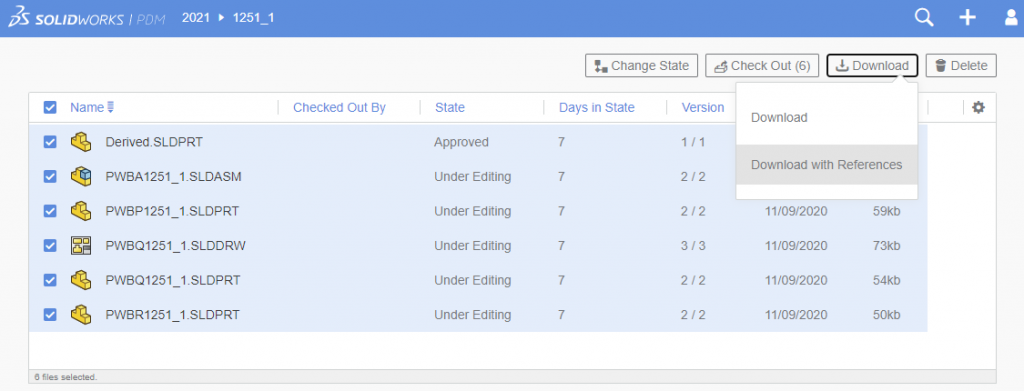
Navigate to the folder and select components to download
Under download two options are available:
- Download
- Select Download with references
Further it gives below choices when download
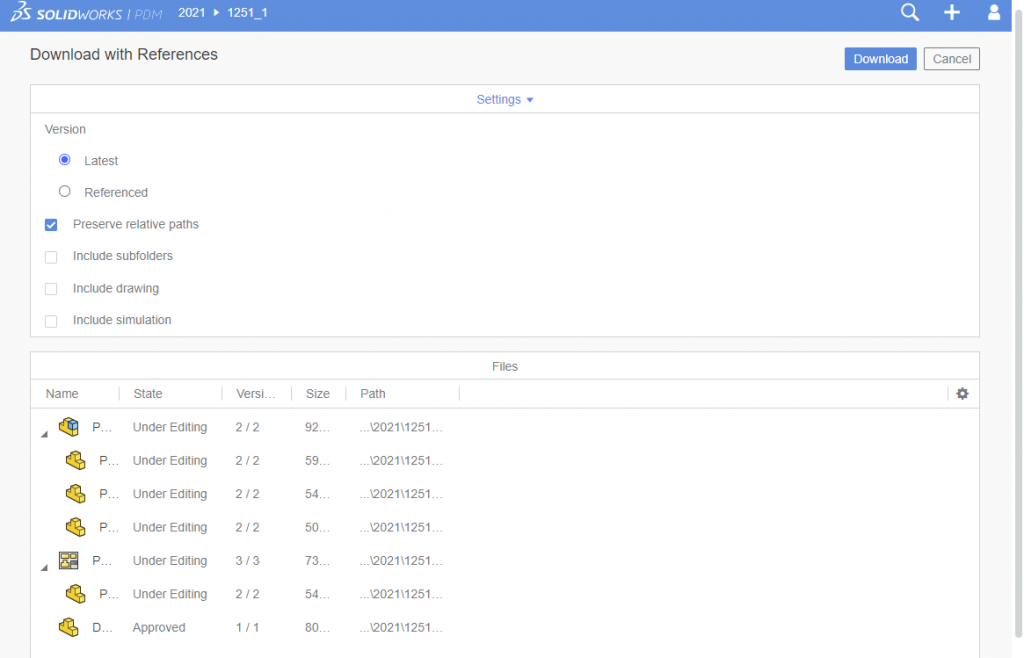
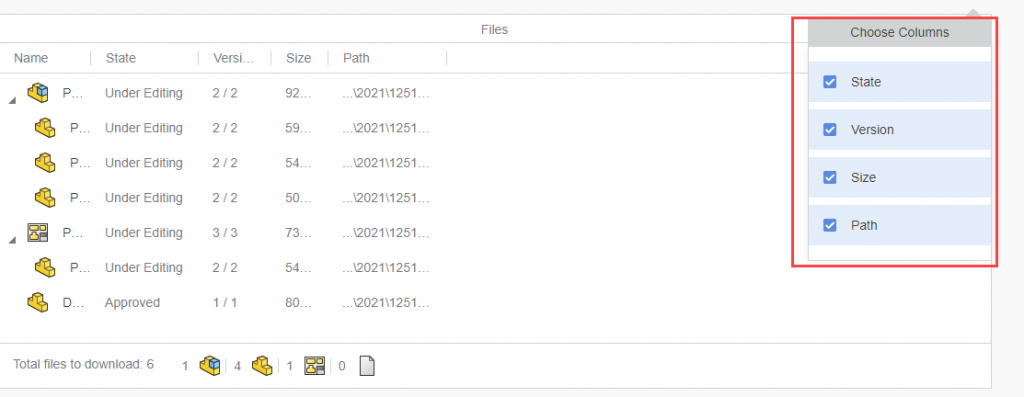
The columns under download can be customized