AEC Tip of the Day
Using a complex profile modifier to adjust the height of wall tiles
Learn how complex profile modifiers in Ci Tools enable precise control over wall tile heights through dynamic adjustments.
1. Draw the cross section of the wall in the profile manager, add a stretch modifier and match the other settings as shown below
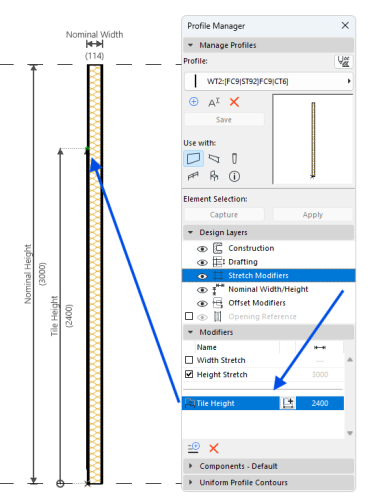
2. Once the wall is modeled, go in the settings and expand the Profile Offset Modifiers dropdown menu. The created modifier, Tile Height, is now visible and can be edited to achieve the required height for the wall tiles. 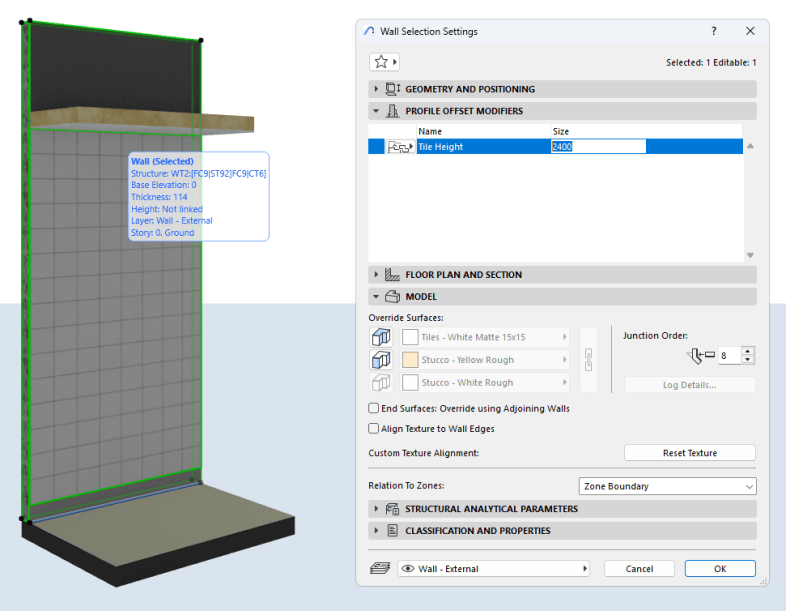
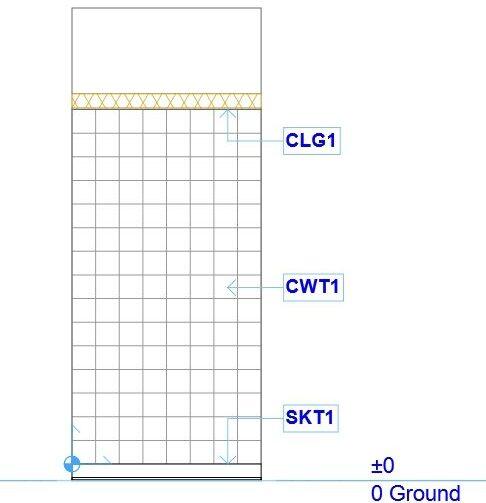
3. We now have the correct drawing conventions in both 2D and 3D views