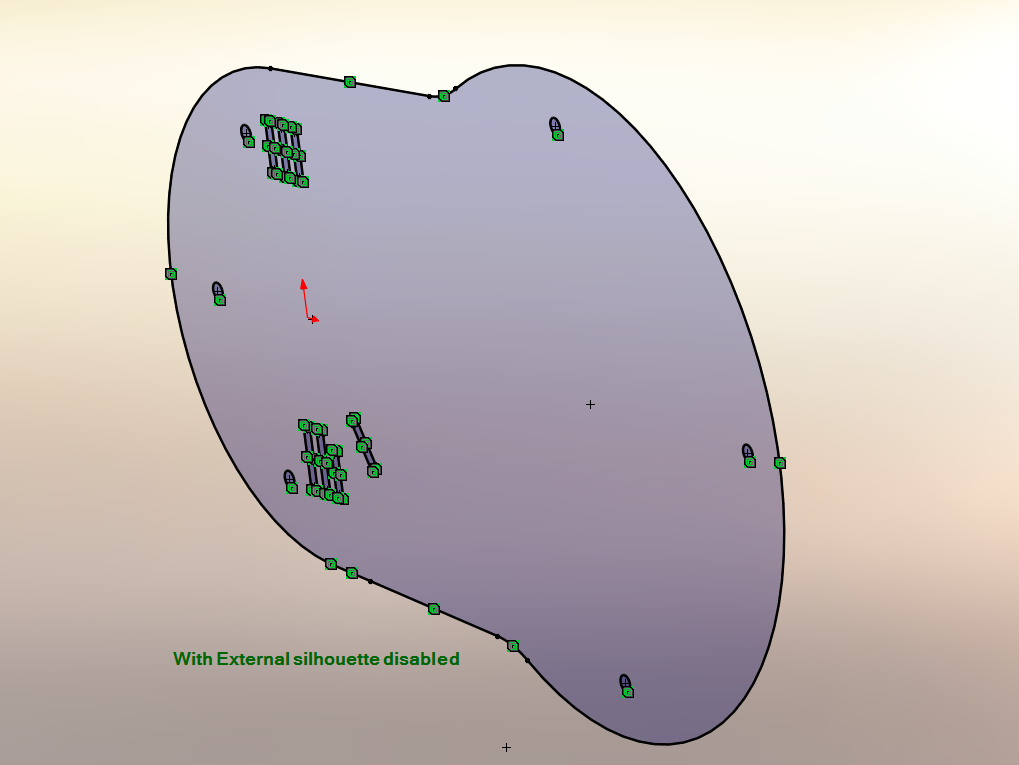
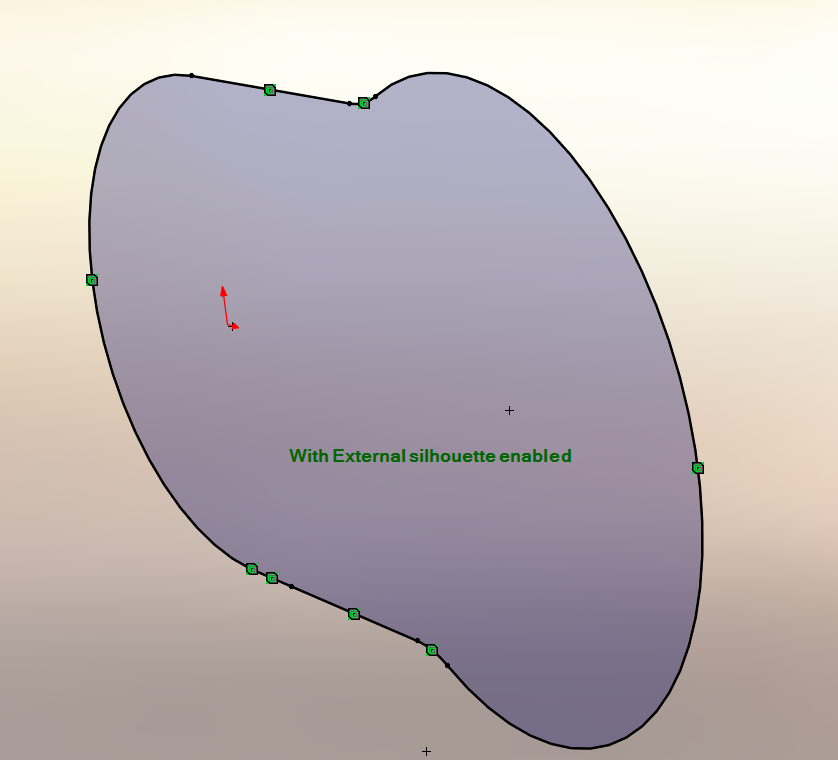
Silhouette entities
This powerful SolidWorks feature lets you instantly project 3D body outlines onto sketch planes with just a few clicks.
SolidWorks introduced the Silhouette Entities in 2020, it allows you to create multiple sketch entities by projecting the outline of the bodies in a part or components in an assembly onto a parallel sketch plane.
To create silhouette entities:
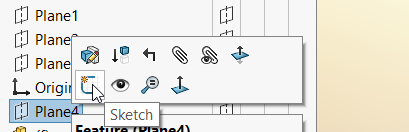
- Create a sketch on a plane:
2. Click Silhouette Entities on the Sketch Toolbar or go to Tools > Sketch Tools > Silhouette Entities;
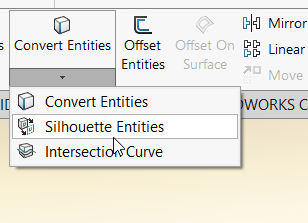
3. Select the Entities to Silhouette;
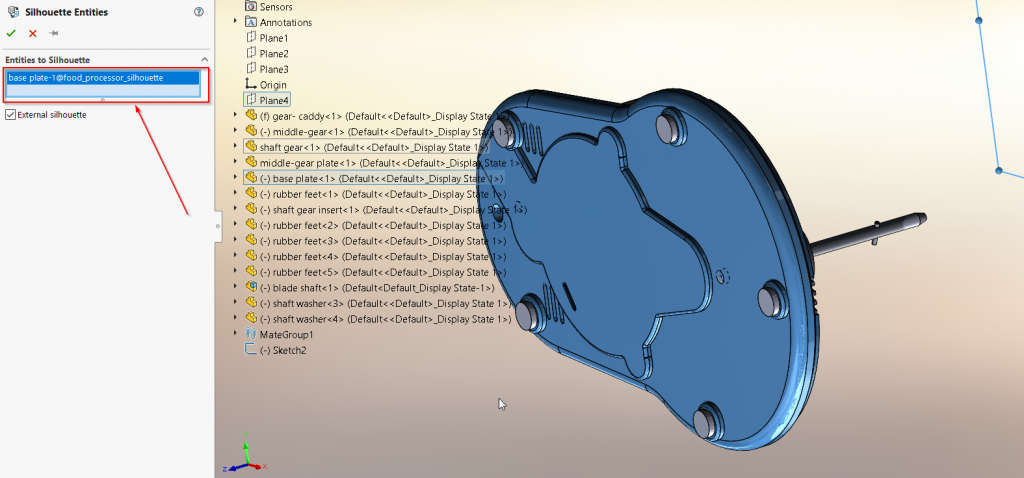
4. Clear External silhouette if you would like to keep the internal features, Select External silhouette if you only want the outer body to be converted: